Remove the background
from any video.
Cut people out of any video without a green screen. Put them on a colour, a photo or a new scene.
- Runs in Shotz
- Free plan to try
- No green screen
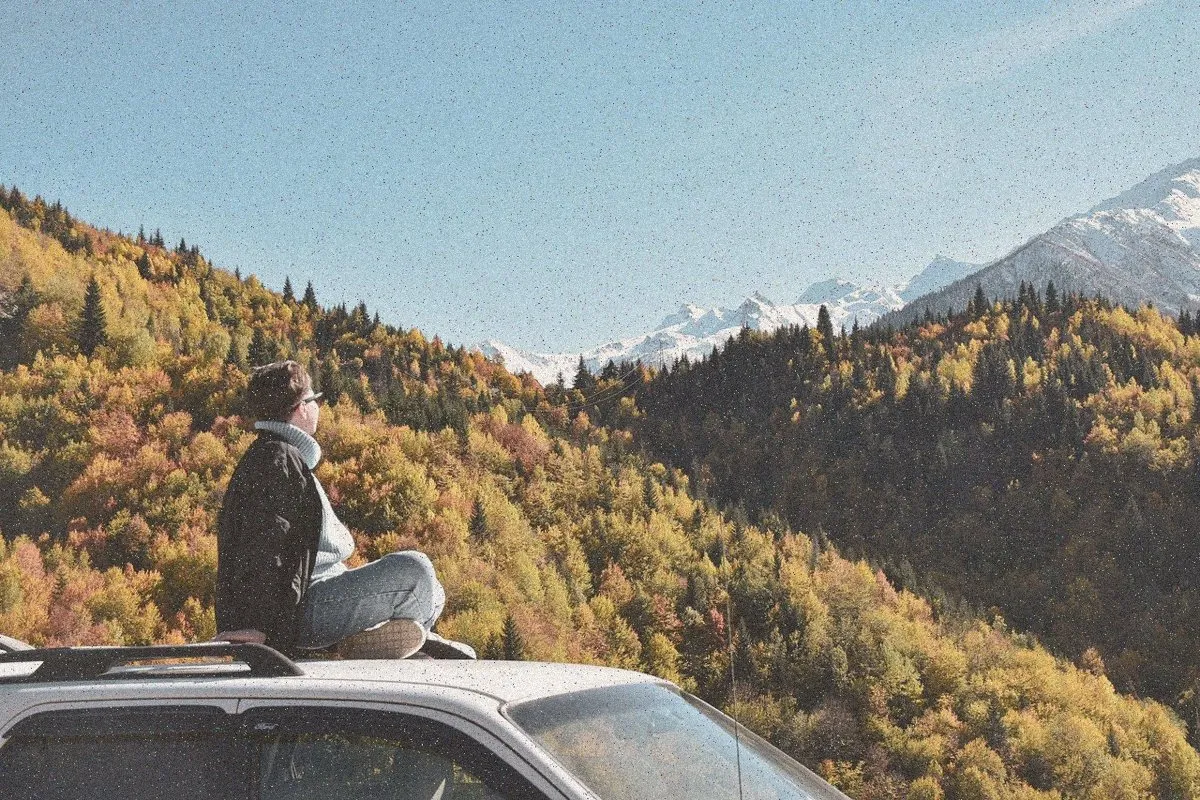
 OriginalBackground removed
How to remove a video background
- 1Add your videoOpen Shotz and drop in a clip. Any shape, from your phone or camera.
- 2Ask for itType “remove the background” and Shotz cuts the person out, frame by frame.
- 3Swap it or exportPick a colour, a photo or a generated scene, then export.
What people use it for



Questions
You can try it on the free plan, which comes with 50 credits. After that it uses credits from Pro ($29 a month, 2,500 credits) or Team.
Free tools are a start.
The edit is the point.
Shotz watches every clip, finds the good bits and makes the whole edit. Captions, music and all.
Start freeFree plan · no card needed